WordPress Login, Registration and WooCommerce My Account: What Should You Customize?
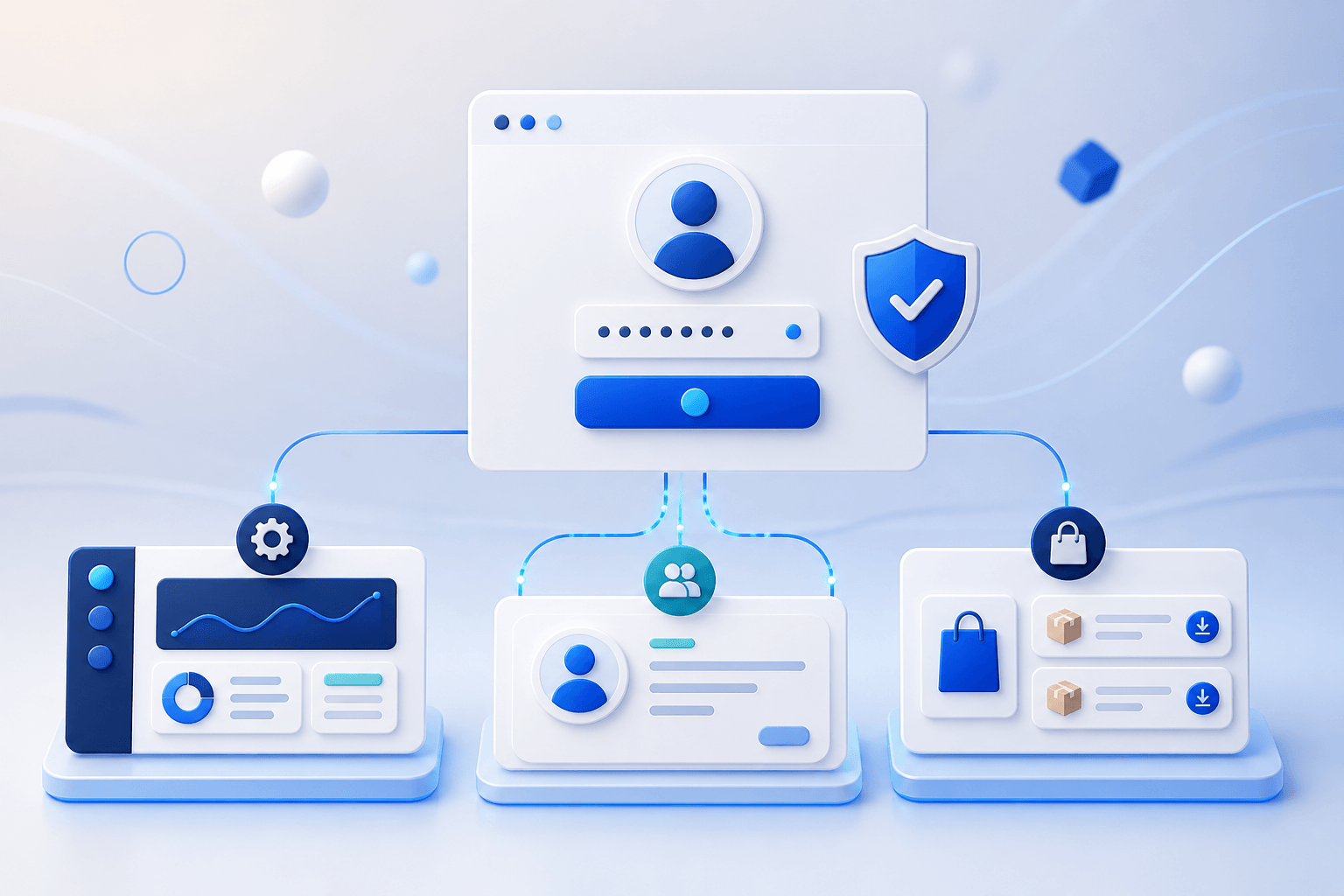
Not every sign-in surface serves the same job. A single WordPress site may use wp-login.php for administrators, an embedded member form for visitors, and WooCommerce My Account for customers. Applying one design and redirect rule to all three can confuse users—and can lock the operations team out when something fails.
WordPress provides wp_login_form() for rendering a standard login form elsewhere on a site. WooCommerce uses My Account as the customer hub for orders, addresses, account details and downloads. Good customization therefore starts with user roles and journeys, not colours, logos or animation.
This guide explains what to customize, what to leave as a dependable fallback, and which paths to test before the experience reaches a live site.
Make the right decision before changing login
1. Separate users and entry points
Identify whether the experience is for site administrators, WooCommerce customers, members or protected-content users. Each group needs different copy, fields and post-login destinations.
2. Choose the surface that needs customization
Use wp-login.php for the dependable WordPress path, an embedded form for members, and WooCommerce My Account for customer orders and account tasks. Do not replace every surface unless the requirement is real.
3. Preserve a fallback and test critical flows
Test login, registration, lost password, logout, redirects and My Account with new and existing users. Confirm that disabling the customization restores the WordPress or theme fallback.
What to test before launch
Do not test only with an Administrator who is already signed in. Open a private window and check English, Thai, mobile and desktop. Register a fresh email address, submit an incorrect password to review the error state, and complete the password-reset journey from start to finish.
For WooCommerce, test account creation from My Account and Checkout separately, then verify orders, downloads and addresses after login. A theme modal or third-party AJAX form is another integration path; changing wp-login.php does not automatically update every theme form.
The safest rollout enables one surface at a time, keeps a recovery path, and avoids forced redirects or renamed admin URLs unless the operations team knows exactly how to recover access.
Frequently asked questions
Want a branded login and registration experience?
See real product screens, requirements and download Amity Login & Register for free.